
Account Settings
Users can manage their own account settings. These settings only affect their own account. Open Settings → Account to manage them. There are three tabs:- Profile: your basic profile information
- Password: options to change your current password and login information
- Theme: change the appearance of AutoScaled
Profile
Under Settings → Profile, you can edit your name and email address. Changing your email requires re-verification.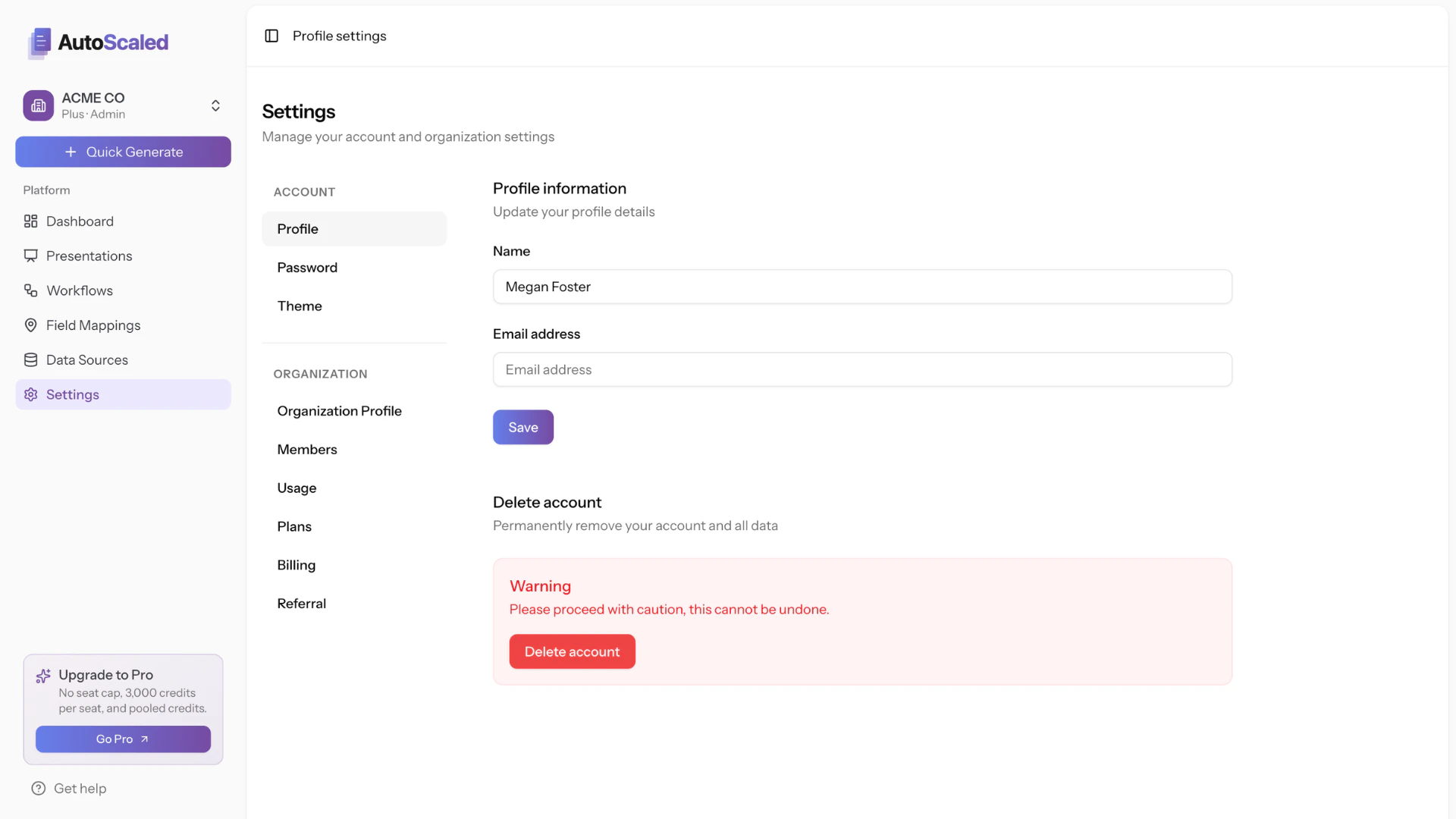
AutoScaled Profile Settings
Password
Under Settings → Password, update your password by entering your current password and choosing a new one.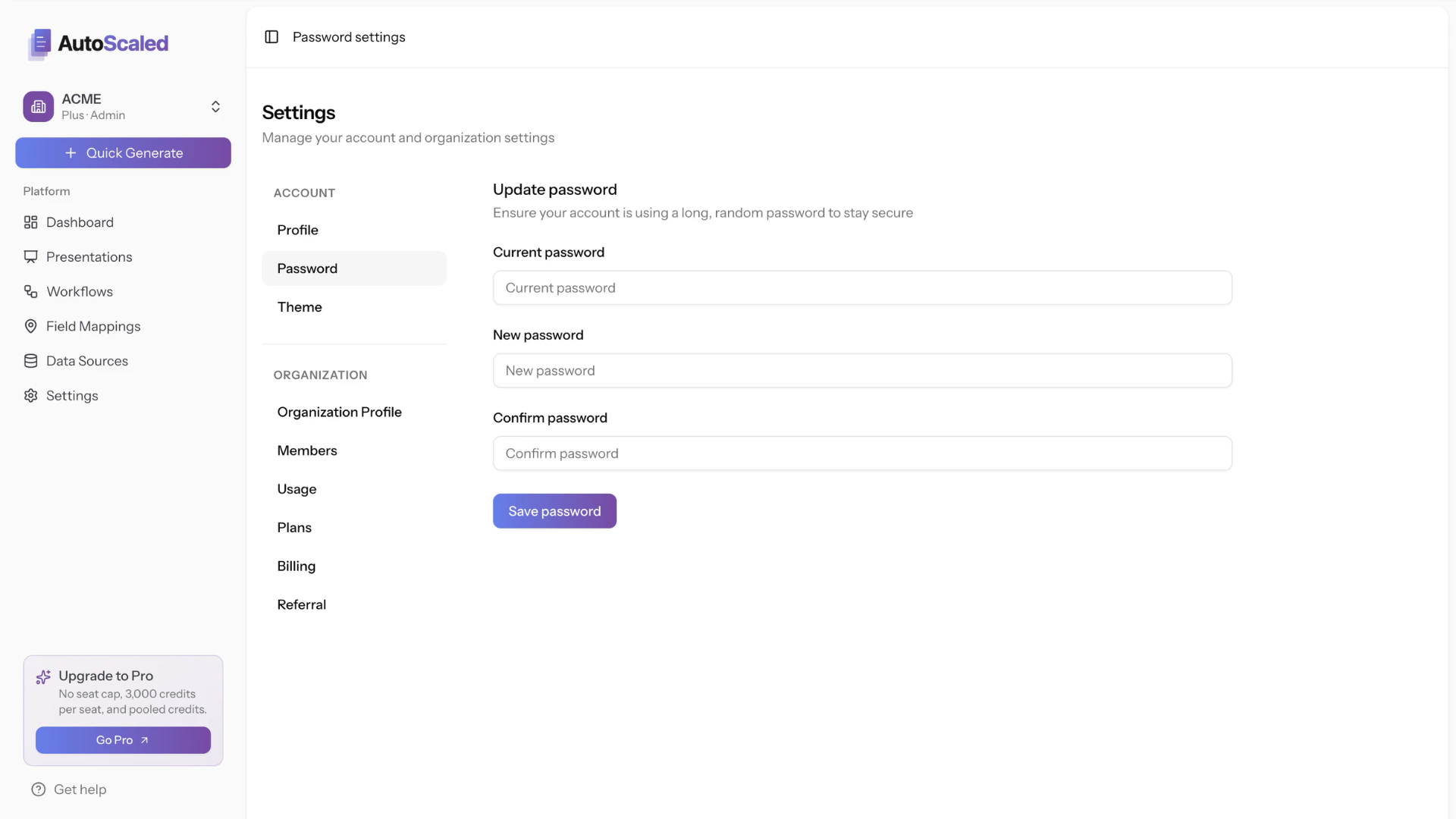
Changing your password on AutoScaled
Appearance
Under Settings → Appearance, choose Light, Dark, or System. The setting applies immediately across the app. System follows your browser’s light/dark preference so AutoScaled matches Light or Dark mode automatically.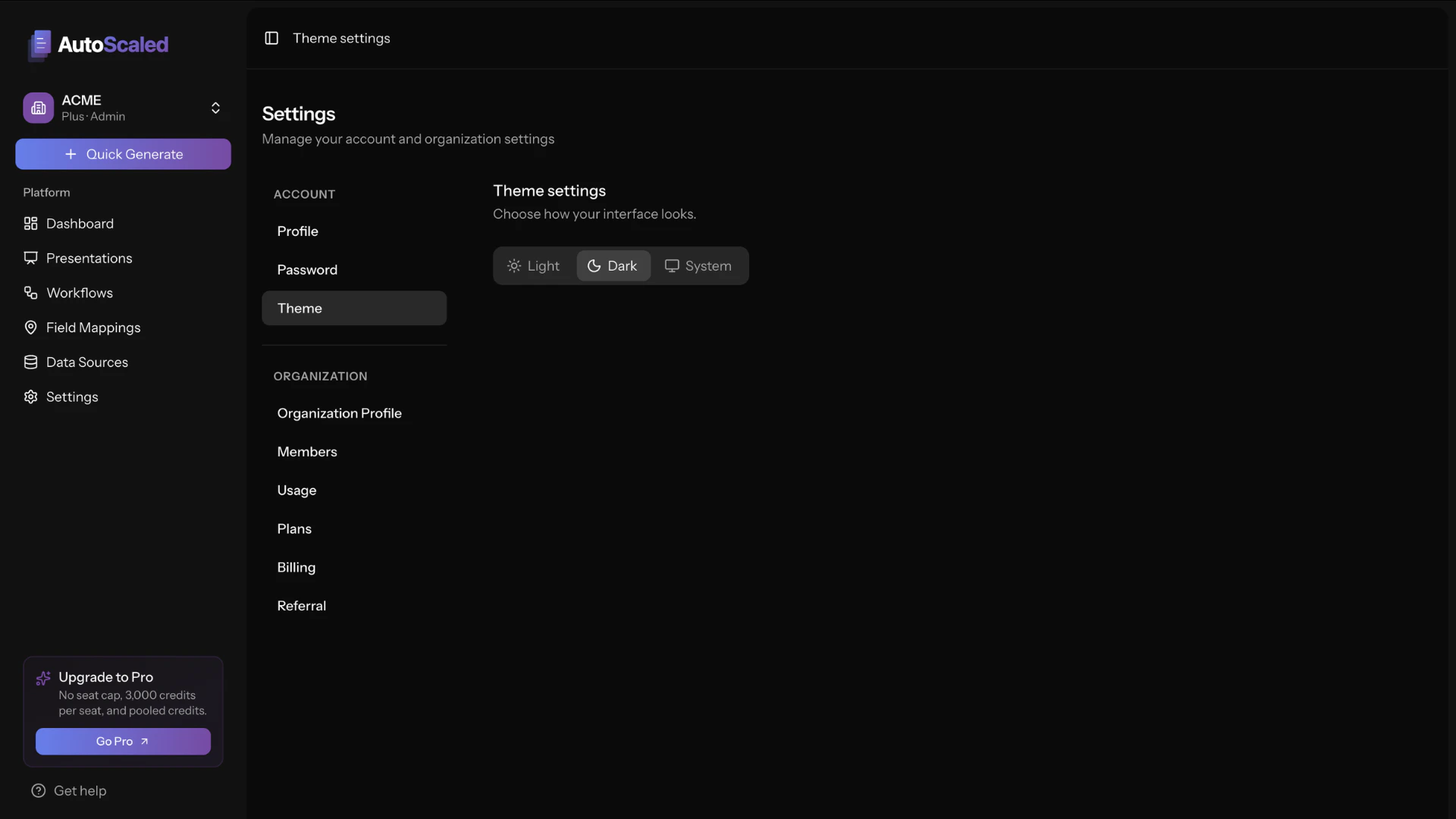
Change your AutoScaled appearance
Anything missing? Let us know at [email protected] and we’ll help you out!