
Workflow Management
Learn more about managing workflows, sharing workflows with team members, and reusing or editing workflows.
Record Handling When Reusing Workflows
These are the options for how to handle records when reusing a workflow:- Create & Update: generates a new presentation for new records and updates data in existing presentations when data has changed.
- New Records Only: ignores existing presentations and only generates a presentation for new records.
- Always Create New: creates a new presentation for both new and existing records.
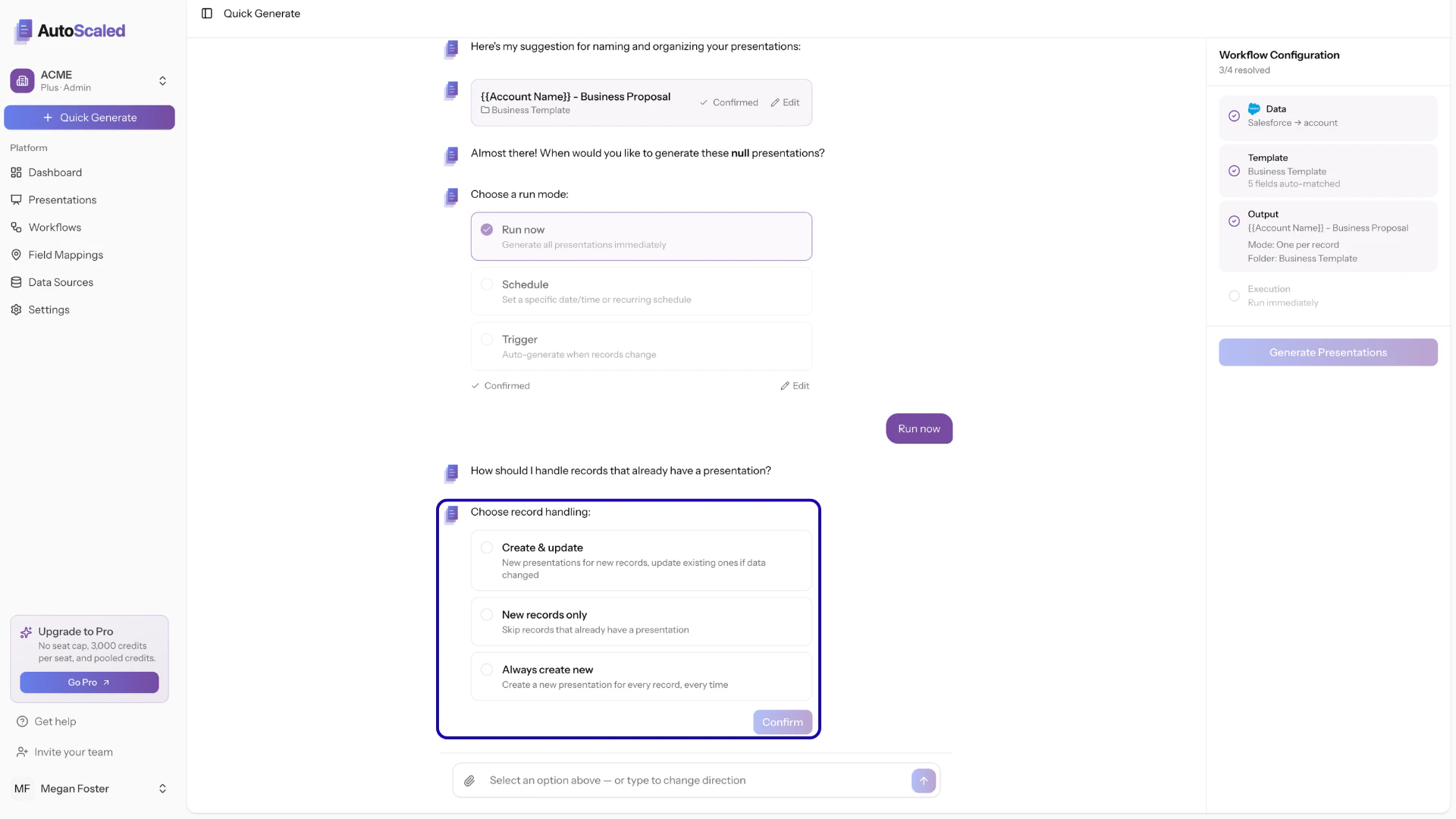
Reusing workflows and handling existing records
Create & Update
Create & Update is the right choice when you want to:- Keep data up to date across all presentations
- Avoid duplicating presentations
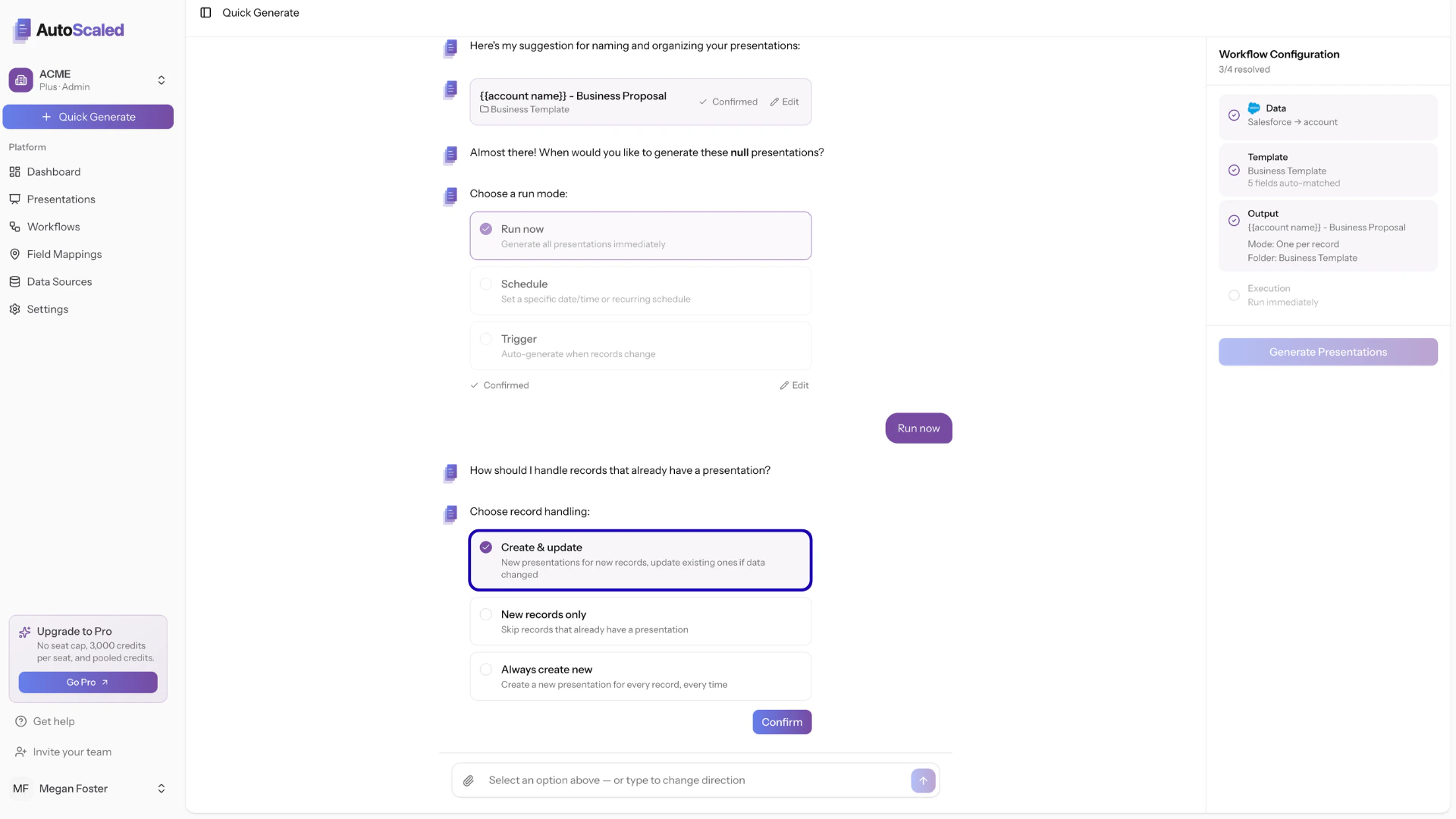
Create & Update mode to ensure up-to-date presentations
New Records Only
New Records Only is the right choice when you want to:- Create presentations using triggers
- Avoid duplicating presentations
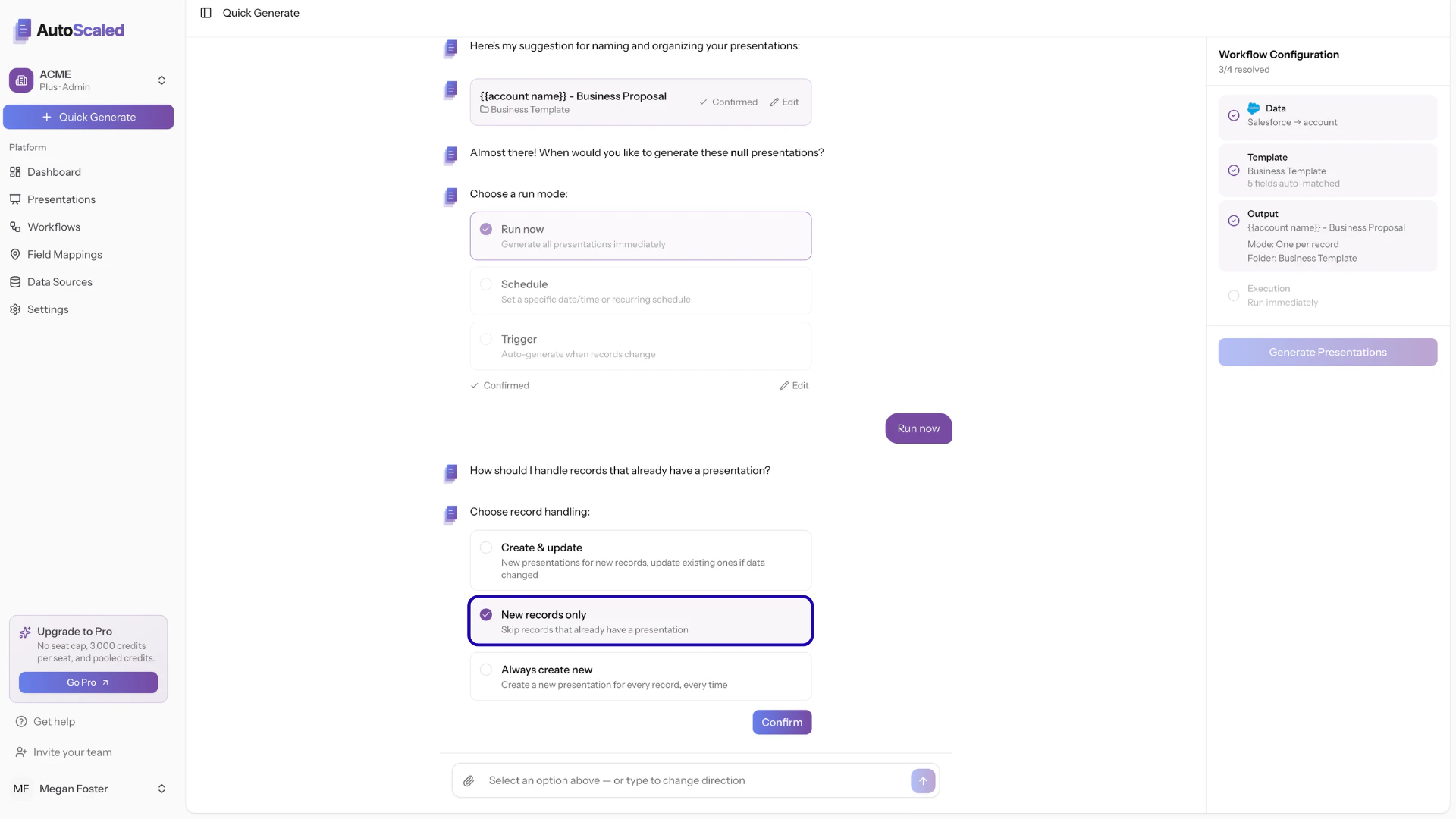
New Records Only mode works best for triggers
Always Create New
Always Create New is the right choice when you want version control for presentations or reports. Always Create New ignores all historical generations. It generates a presentation for every record that matches the criteria at that moment in time, including records that already had a presentation generated in the past.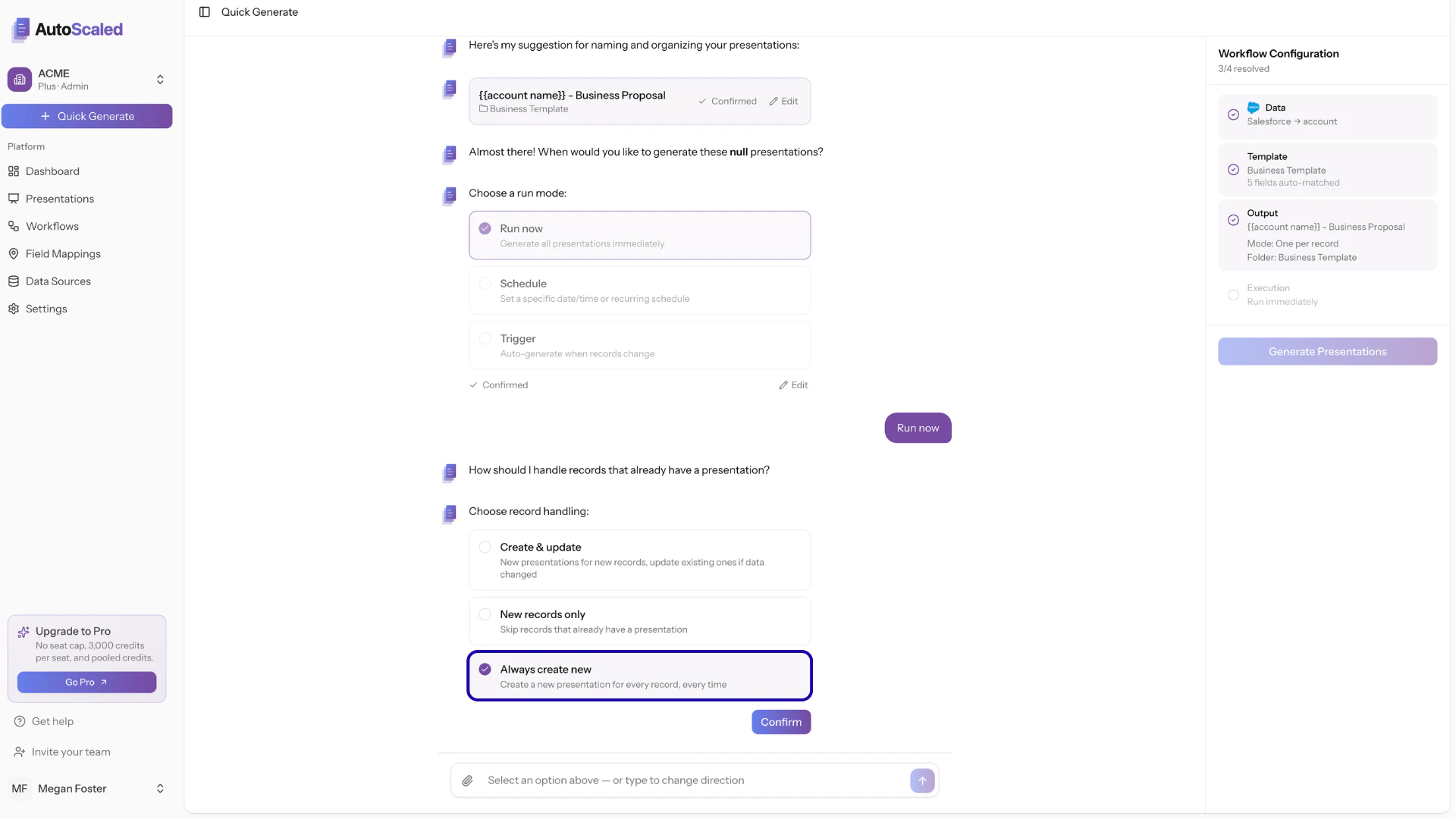
Always Create New mode for the most robust version control
Anything missing? Let us know at [email protected] and we’ll help you out!